Find Your Ideal eLearning Platform
What is your primary goal?
Manage & Track Training
I need to assign courses, track who finished them, and issue certificates.
Sell Expertise
I want to create a product and sell it directly to consumers for profit.
Learn a New Skill
I am looking to upskill myself using existing high-quality courses.
Live Interaction
I just need to host webinars, meetings, or live lectures.
Who is the audience?
Internal Group
Employees of my company or students at my school.
General Public
Anyone on the internet who wants to buy or learn.
How important is progress tracking?
Critical
I need to know exactly who passed/failed and have audit trails.
Not Important
Self-paced consumption is fine; I don't need strict reporting.
Recommended Tool Type:
You’ve probably heard the term eLearning platform thrown around in meetings, job postings, or casual chats about remote work. But if you pause for a second, it’s actually pretty vague. Is Zoom an eLearning platform? What about YouTube? Or maybe that flashcard app your student uses? The confusion is real because "platform" has become a catch-all word for anything digital.
The truth is, not every tool with a video player counts as an eLearning platform. To figure out which one fits your needs-whether you’re a teacher, a corporate trainer, or just someone wanting to learn a new skill-you need to look past the marketing buzzwords. You need to understand what these systems actually do under the hood.
Defining the Core: What Actually Makes It a Platform?
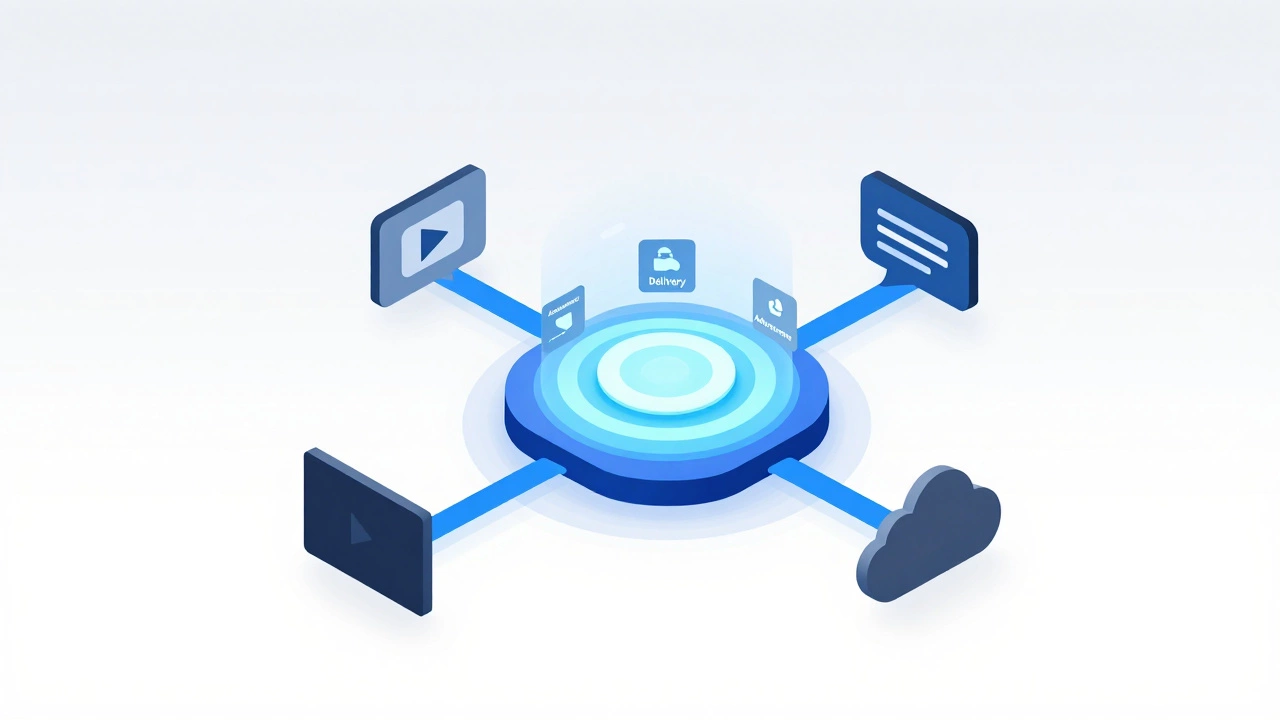
At its simplest level, an eLearning platform is a centralized system designed specifically to deliver, manage, and track educational content. It’s not just a place to host a video; it’s an ecosystem. Think of it like a digital school building. You don’t just walk into a room and watch a movie. You have a schedule, a teacher, a way to submit homework, and a report card at the end of the term.
If a tool only lets you stream content, it’s media hosting. If it lets you chat, it’s communication software. An eLearning platform combines delivery with assessment and administration. It answers three critical questions: Did the user see the material? Did they understand it? And can we prove it?
This distinction matters because using the wrong tool leads to friction. Trying to run a certified compliance training program on a generic video sharing site means you have no way to verify who watched what. That’s where dedicated platforms step in.
The Heavyweight: Learning Management Systems (LMS)
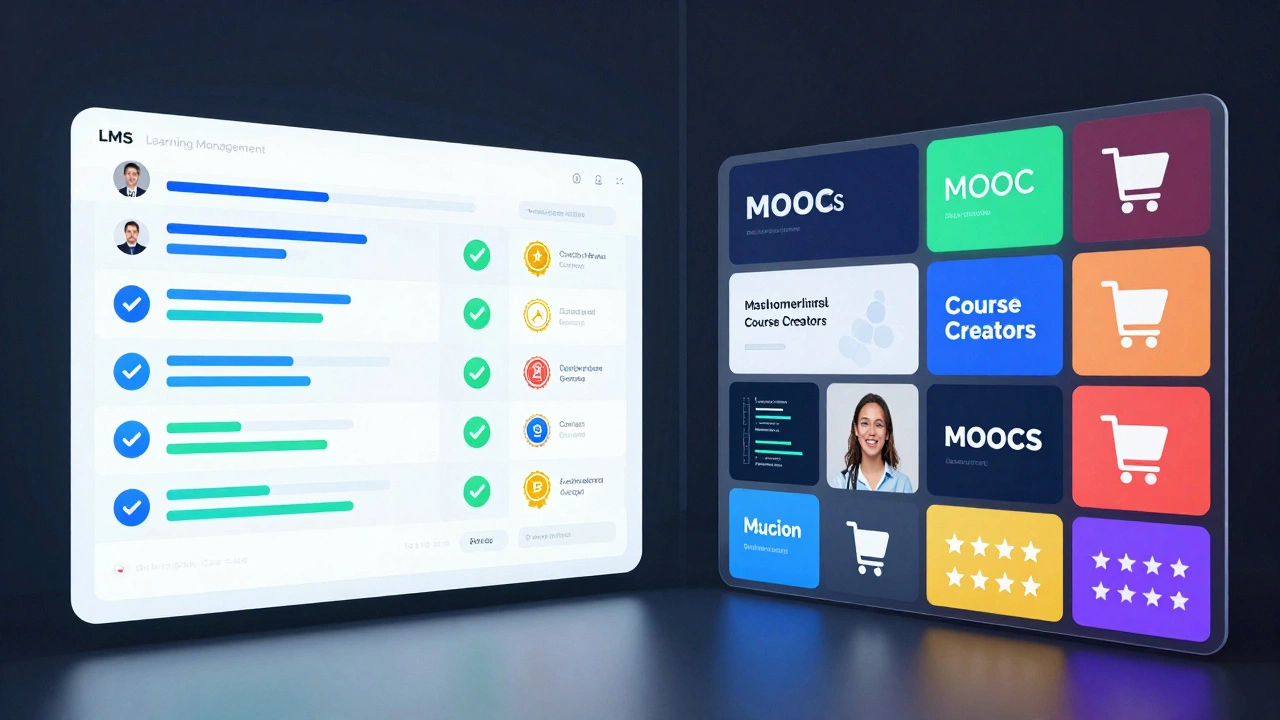
When people ask "which one is an eLearning platform?", the most common answer is a Learning Management System, or LMS. This is the backbone of corporate training and higher education. An LMS is built for structure. It handles user accounts, course enrollment, progress tracking, and certification issuance.
Moodle is an open-source LMS widely used by universities and schools globally due to its high customizability. It allows educators to build complex courses with quizzes, forums, and gradebooks without paying licensing fees. On the commercial side, Canvas is a cloud-based LMS known for its clean interface and ease of use in K-12 and higher education.
Why choose an LMS? Because you need accountability. If you are an HR manager ensuring fifty employees complete safety training, you need a dashboard that shows exactly who finished Module 3 and who failed the quiz. An LMS provides that audit trail. It supports standards like SCORM and xAPI, which allow content created in one tool to be tracked in another. This interoperability is crucial for large organizations with diverse training needs.
The Open University: Massive Open Online Courses (MOOCs)
Then there are the platforms you might recognize from consumer advertising: Coursera, edX, Udemy. These are often called MOOCs (Massive Open Online Courses). While technically eLearning platforms, their primary goal differs from an LMS. They are marketplaces or publishers rather than management tools.
Coursera partners with top universities and companies to offer structured courses and degrees, focusing on credentialing and career advancement. Here, the platform itself creates the curriculum or hosts it from partners. You, the learner, sign up to access this pre-packaged knowledge. You aren’t managing the platform; you are consuming the product.
This model works brilliantly for individual upskilling. Want to learn Python from IBM? Go to Coursera. Want a certificate in Digital Marketing from Google? Check out their professional certificates. However, if you are a business trying to train staff on internal proprietary processes, a MOOC won’t help. You can’t easily upload your own confidential SOPs to Coursera for private employee use. That’s why knowing the difference between a publisher (MOOC) and a container (LMS) is vital.
The Creative Studio: Course Creation Platforms
There is a third category that often gets lumped in: course creation platforms. Tools like Teachable, Thinkific, and Kajabi fall here. These are designed for instructors who want to sell their expertise directly to consumers. They blend elements of an LMS with e-commerce features.
Teachable enables instructors to create, market, and sell online courses with integrated payment processing and email marketing tools. Unlike a traditional LMS which focuses on internal training, these platforms focus on conversion and sales. They provide beautiful landing pages, shopping carts, and affiliate management.
Are they eLearning platforms? Yes, but with a specific intent. If you are a fitness coach selling a six-week plan, Teachify is your home. If you are a university teaching calculus to enrolled students, you stick with Canvas or Moodle. The key differentiator is the monetization layer. Course creation platforms are built to turn knowledge into revenue streams for the creator, whereas LMSs are built to facilitate organizational learning goals.
What About Video Conferencing and Social Media?
It is easy to mistake synchronous tools for eLearning platforms. Zoom, Microsoft Teams, and Webex are incredible for live instruction. They enable real-time interaction, screen sharing, and breakout rooms. However, they lack the asynchronous tracking capabilities of a true platform.
Once a Zoom call ends, the data disappears unless recorded. There is no native quiz engine tied to attendance. There is no automated certificate generation upon completion. These are communication channels, not learning repositories. Similarly, YouTube is a vast library of educational content, but it offers no structured pathway, assessment, or personalized feedback loop. It is passive consumption, not active learning management.
| Tool Type | Primary Purpose | Tracking & Assessment | Best For |
|---|---|---|---|
| LMS (e.g., Moodle, Canvas) | Manage & Track Internal Training | High (SCORM/xAPI support) | Corporations, Schools, Universities |
| MOOC (e.g., Coursera, edX) | Publish Academic/Career Courses | Medium (Partner-defined) | Individual Learners, Credential Seekers |
| Course Creator (e.g., Teachable) | Sell Expertise Directly | Low-Medium (Basic quizzes) | Coaches, Consultants, Influencers |
| Video Conference (e.g., Zoom) | Live Interaction & Meetings | None (Manual notes only) | Webinars, Live Lectures, Team Calls |
How to Choose the Right Platform for Your Needs
Selecting the right tool depends entirely on your end goal. Ask yourself these three questions:
- Who is the audience? If it’s employees or students within an institution, you likely need an LMS for control and compliance. If it’s the general public looking to buy a skill, look at course creators or MOOCs.
- Do you need to track progress? If yes, eliminate video conferencing and social media immediately. You need a system with a database that logs user activity.
- Is the content static or live? Most eLearning is asynchronous (pre-recorded videos, text modules). If your model relies heavily on live coaching, you might need a hybrid approach, combining an LMS for materials with Zoom for sessions.
For example, a small business owner wanting to train new hires on company culture should use a lightweight LMS like LearnDash (if using WordPress) or TalentLMS. They can upload PDFs, record quick videos, and require a quiz at the end. The system automatically emails a certificate to the hire and notifies the manager. That automation is the value proposition of an eLearning platform.
Future Trends: AI and Personalization
As we move through 2026, the definition of an eLearning platform is expanding again thanks to Artificial Intelligence. Modern platforms are no longer just static repositories. They are adaptive engines.
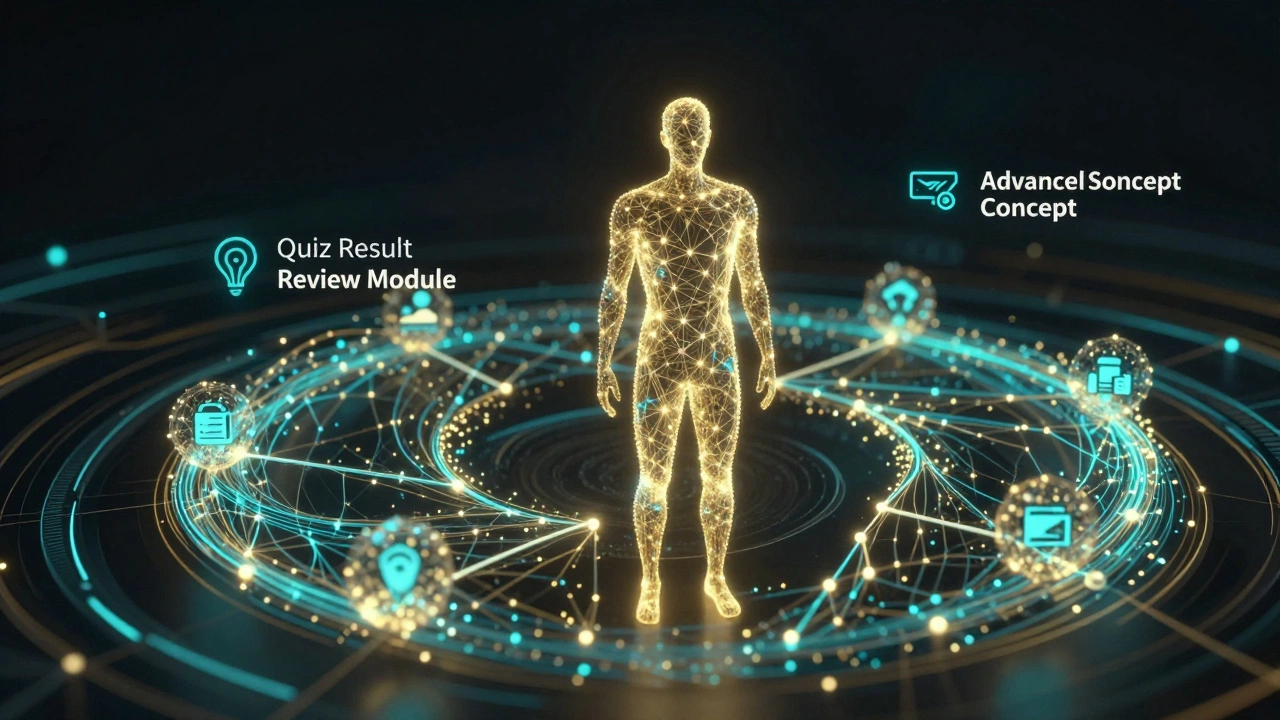
AI-driven platforms can analyze a learner’s quiz results and automatically recommend specific review modules if they struggle with a concept. They can generate quizzes from uploaded documents in seconds. Tools like Docebo integrate machine learning algorithms to personalize learning paths based on user behavior and performance data. This shifts the platform from a "one-size-fits-all" broadcast model to a tailored tutoring experience.
This evolution blurs the lines slightly. An LMS now feels more like a smart tutor. But the core function remains: delivering structured education with measurable outcomes. Whether it’s powered by simple databases or advanced neural networks, the best platform is the one that removes friction between the learner and the knowledge.
Is Google Classroom an eLearning platform?
Yes, Google Classroom functions as a lightweight Learning Management System (LMS). It allows teachers to distribute assignments, collect submissions, and grade work digitally. While it lacks some of the advanced analytics and SCORM compatibility of enterprise LMSs like Canvas or Blackboard, it fully meets the criteria of an eLearning platform for K-12 and basic educational settings.
What is the difference between an LMS and a CMS?
A Content Management System (CMS) like WordPress manages website content (blog posts, pages). An LMS manages learning content (courses, quizzes, users). You can install an LMS plugin (like LearnPress) onto a CMS to add eLearning functionality, but the core purposes differ: one is for publishing information, the other is for facilitating education and tracking progress.
Can I use Slack as an eLearning platform?
Slack is a communication tool, not an eLearning platform. While you can share links to articles or hold discussions in channels, it does not offer structured course paths, automated assessments, or progress tracking. Using Slack for formal training would require manual effort to verify completion and understanding, making it inefficient for scalable education.
Which eLearning platform is best for beginners?
For individuals creating their first course, platforms like Teachable or Podia are excellent because they handle hosting, payments, and design templates. For organizations starting internal training, TalentLMS or EdApp offer user-friendly interfaces with minimal setup required, allowing you to launch basic courses quickly without technical expertise.
Do I need an LMS if I just want to share videos?
If your only goal is to let people watch videos, you do not need an LMS. Vimeo or YouTube unlisted links will suffice. However, if you need to ensure viewers watch the entire video, take a quiz afterward, or receive a certificate, then an LMS is necessary to enforce those actions and record the data.







0 Comments