Choosing the right online teaching platform isn’t about picking the one with the fanciest animations or the most reviews. It’s about finding the tool that actually works for your students, your schedule, and your teaching style. If you’ve spent hours comparing Zoom, Google Classroom, and Teachable only to feel more confused, you’re not alone. The truth is, no single platform is best for everyone. But there is a best one for you-if you know what to look for.
What do you really need from an online teaching platform?
Before you scroll through lists of ‘top 10 platforms,’ ask yourself: What’s the job you’re hiring this tool to do?
Are you running live 1:1 tutoring sessions for high school students? Then you need smooth video, screen sharing, and a digital whiteboard. Are you selling pre-recorded courses to hundreds of people? Then you need payment processing, drip content, and student progress tracking. Are you managing a small group of adult learners in a nonprofit program? Then you need something free, simple, and reliable.
Most platforms try to be everything. But the ones that win are the ones that do a few things really well. Start by identifying your core use case. Everything else is noise.
Live teaching platforms: Zoom, Google Meet, Microsoft Teams
If your main goal is real-time interaction, you’re probably already using one of these. Zoom, Google Meet, and Microsoft Teams are free or included with existing tools-so they’re tempting. But here’s what they don’t tell you:
- Zoom lets you record sessions and create breakout rooms, but you have to manually upload assignments and track attendance.
- Google Meet works inside Google Classroom, so if you’re already using G Suite, it’s seamless-but you’re locked into Google’s ecosystem.
- Microsoft Teams integrates with OneNote and Office 365, great for schools using Windows, but clunky for independent tutors.
These tools are great for live teaching, but they’re not teaching platforms. They’re video conferencing tools with a side of chat. You’ll need to patch in third-party apps for quizzes, grading, or course materials. That’s fine-if you’re okay managing three or four different tools.
Learning management systems (LMS): Moodle, Canvas, Google Classroom
If you’re teaching a structured course with assignments, deadlines, and grades, you need a Learning Management System (LMS). These platforms organize content, track progress, and automate grading.
Google Classroom is the easiest to start with. If you’re a teacher already using Gmail and Drive, you can create a class in under a minute. It’s free, simple, and works on any device. But it’s basic. No quizzes with auto-grading, no discussion boards, no way to sell courses. It’s built for K-12 schools, not adult learners or private tutors.
Canvas is used by universities and community colleges. It’s powerful-customizable quizzes, rubrics, analytics, integrations with YouTube and Turnitin. But it’s expensive for individuals. Most schools pay $10,000+ a year. You can’t sign up as a solo tutor.
Moodle is open-source and free to install. It’s been around since 2002 and powers over 100 million users worldwide. You can customize every detail, but you need technical skills to set it up and keep it running. If you’re not comfortable with servers, plugins, and backups, Moodle will eat your time.
Course marketplaces: Teachable, Thinkific, Kajabi
Want to sell courses and make money? Then you need a platform built for creators, not just teachers.
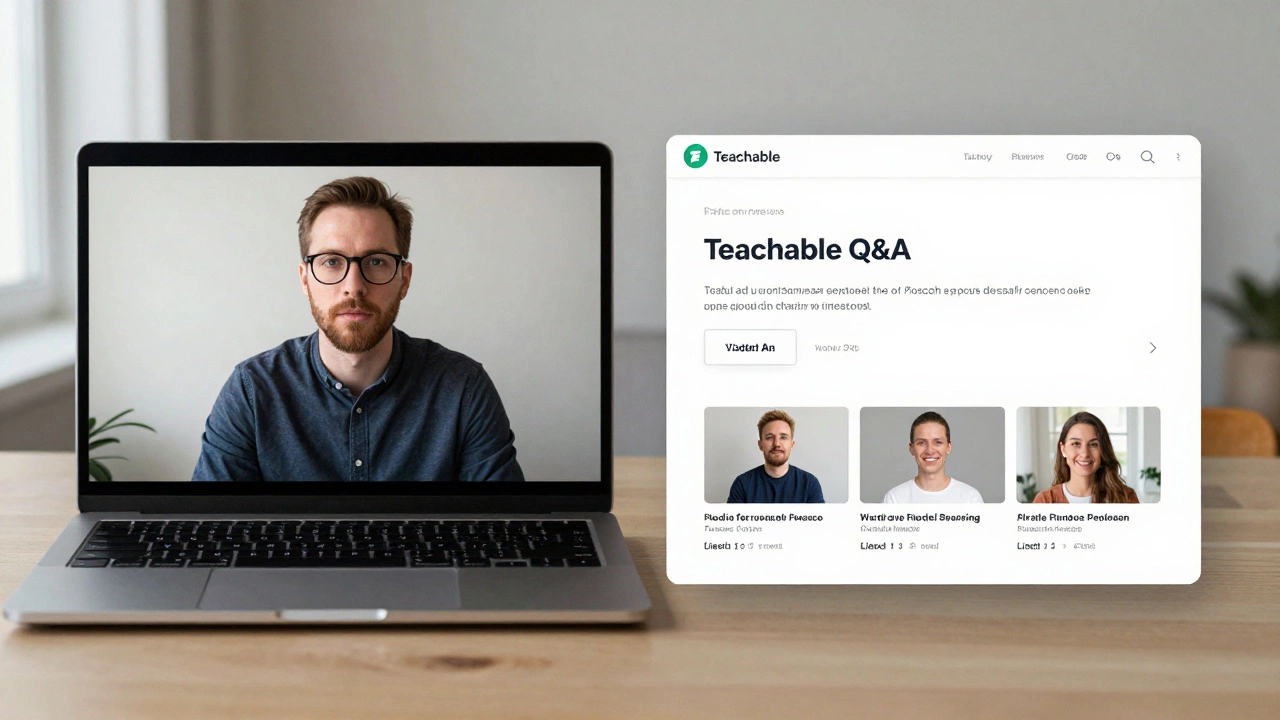
Teachable is the most popular for beginners. You can have a course live in under an hour. It handles payments (Stripe, PayPal), gives you a custom domain, and includes basic quizzes and certificates. The free plan lets you test the waters, but they take a 5% transaction fee unless you upgrade. Their interface is clean, mobile-friendly, and works even if you’ve never coded.
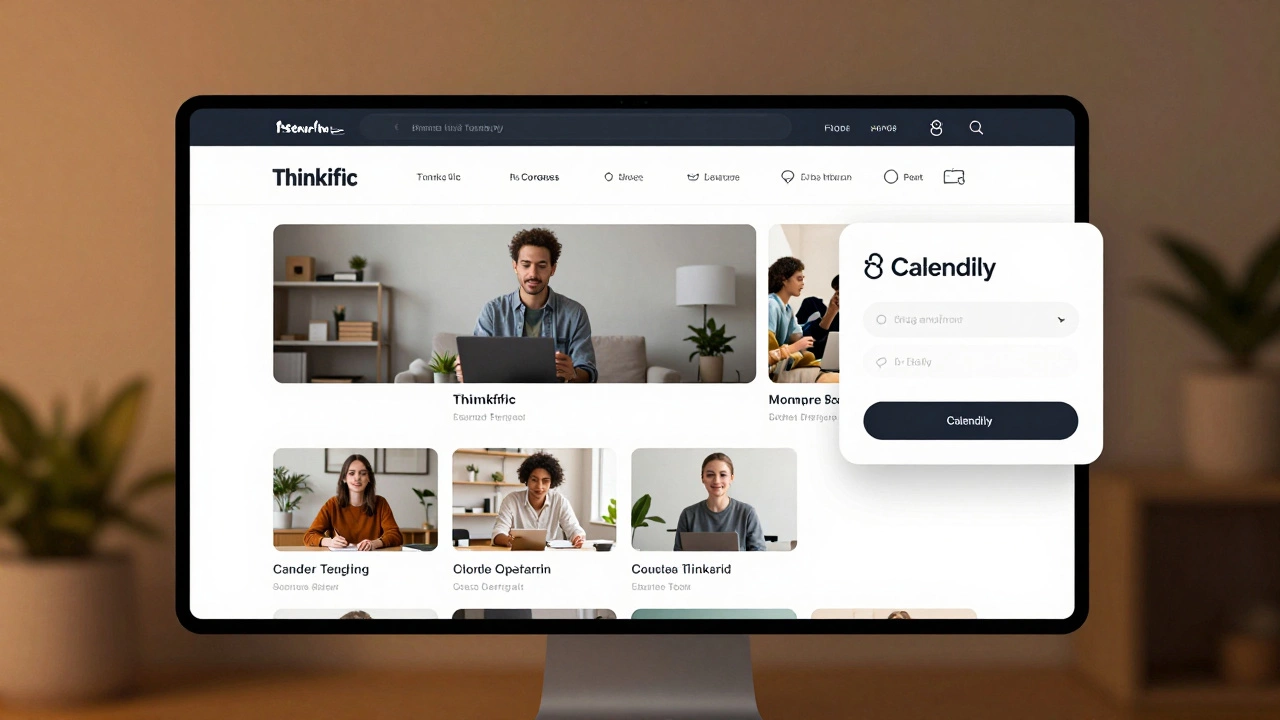
Thinkific is similar but more flexible. You can embed videos from Vimeo or YouTube, build membership sites, and even create a full website with their drag-and-drop builder. It’s better for long-term growth. Pricing starts at $49/month, but you keep 100% of your sales. No hidden fees.
Kajabi is the luxury option. It’s not just a course platform-it’s a full marketing system. Email funnels, landing pages, automation, CRM. It’s what coaches and influencers use to scale. But it’s expensive ($149/month). If you’re just starting out, you’re overpaying. Save Kajabi for when you’re making $10,000+ a month from courses.
Hybrid solutions: Outschool, Udemy, Skillshare
What if you don’t want to build or manage anything? What if you just want to teach and get paid?
Outschool is the go-to for live, small-group classes for kids. Teachers set their own schedules and prices. Outschool handles payments, scheduling, and marketing. You get a built-in audience of parents looking for after-school learning. But you only keep 70% of revenue, and you’re competing with thousands of other teachers.
Udemy and Skillshare are for pre-recorded courses. You upload a video, they promote it. But here’s the catch: most courses on Udemy sell for $10-$20 because of constant discounts. You might get 100 sales-but at $5 each. That’s $500. Not bad, but not scalable unless you have dozens of courses. Plus, you don’t own your students. If they leave, you never hear from them again.
What the best platform looks like in 2025
Here’s what the real winners are doing in 2025:
- Private tutors use Teachable for course sales and Zoom for live sessions. They link the two: students buy a course, get a calendar invite for live Q&A.
- Coaches and consultants use Thinkific to build a branded learning hub, then use Calendly to schedule 1:1 calls.
- Schools and nonprofits stick with Google Classroom because it’s free and integrates with their existing tools.
- Universities and large institutions use Canvas because it’s secure, scalable, and meets accreditation standards.
The pattern? Combine tools. No single platform does everything perfectly. The best setup is a core platform for hosting content, paired with a simple tool for live interaction.
What to avoid
Don’t get lured by platforms that promise ‘everything in one place.’ They usually mean ‘everything is mediocre.’
Stay away from:
- Platforms that lock you into their ecosystem (you can’t export your students or content).
- Tools that charge per student. If you hit 100 students, your bill jumps from $20 to $200. That’s not scalable.
- Free platforms with hidden limits. Free plans often cap video length, storage, or student numbers. You’ll hit a wall fast.
- Platforms that don’t let you own your email list. If you can’t contact your students directly, you’re building on sand.
Quick decision guide
Still unsure? Use this flow:
- Are you teaching live, small groups? → Use Zoom or Google Meet.
- Do you need to assign homework, track progress, and grade? → Use Google Classroom (free) or Canvas (paid).
- Do you want to sell courses and make money? → Start with Teachable. Upgrade to Thinkific later.
- Are you teaching kids under 18? → Try Outschool for instant access to parents.
- Do you have a team or school budget? → Go with Canvas or Moodle.
Test one platform for 30 days. Don’t overthink it. The right tool will feel easy. The wrong one will make you want to quit.
What’s next?
Once you pick your platform, focus on what matters: your content, your connection with students, and your consistency. The tech is just the bridge. The real teaching happens on the other side.
Is Google Classroom good for private tutors?
Google Classroom works for private tutors who only need to share files, assign tasks, and communicate with students. But it doesn’t support payments, course sales, or advanced quizzes. If you’re just helping a few students with homework, it’s fine. If you want to build a business, you’ll outgrow it quickly.
Can I use Teachable for live classes?
Teachable doesn’t host live video. But you can link to Zoom or Google Meet in your course. Students buy the course, then get a calendar link for live sessions. Many tutors use this exact setup-it’s simple and effective.
Is Thinkific better than Teachable?
Thinkific gives you more control over design, branding, and integrations. Teachable is easier to start with. If you’re just testing the waters, Teachable’s free plan is perfect. If you’re serious about scaling and want a branded website, Thinkific is the better long-term choice.
Do I need to pay for an online teaching platform?
No-you can teach for free using Zoom and Google Classroom. But if you want to sell courses, track student progress, or automate tasks like certificates and reminders, you’ll need to pay. Free tools have limits. Paid tools save you time and help you earn more.
What’s the cheapest way to start teaching online?
Use Zoom (free plan) for live sessions and Google Classroom (free) to share materials and assignments. That’s it. No cost. No setup. Just start teaching. You can upgrade later when you have students paying you.







0 Comments