Online Learning Platform Comparison Tool
Which Platform Fits Your School?
Select your school type to see which platform is most commonly used and recommended.
Platform Comparison
Google Classroom
Free for schools with Google Workspace
- ✓ Simple and intuitive
- ✓ Integrated with Google tools
- ✓ Works with existing school systems
- ✗ Limited advanced features
Microsoft Teams Education
Requires Microsoft 365 license
- ✓ Strong Office integration
- ✓ Good security features
- ✗ Limited outside Microsoft ecosystem
- ✗ Costs additional licensing
Canvas LMS
Premium pricing required
- ✓ Advanced analytics
- ✓ Customizable workflows
- ✗ Expensive for schools
- ✗ Steeper learning curve
Why Google Classroom Wins
Google Classroom dominates because it solves the most common classroom needs with minimal friction. It works seamlessly with existing school infrastructure, requires no additional downloads, and is completely free for schools using Google Workspace for Education.
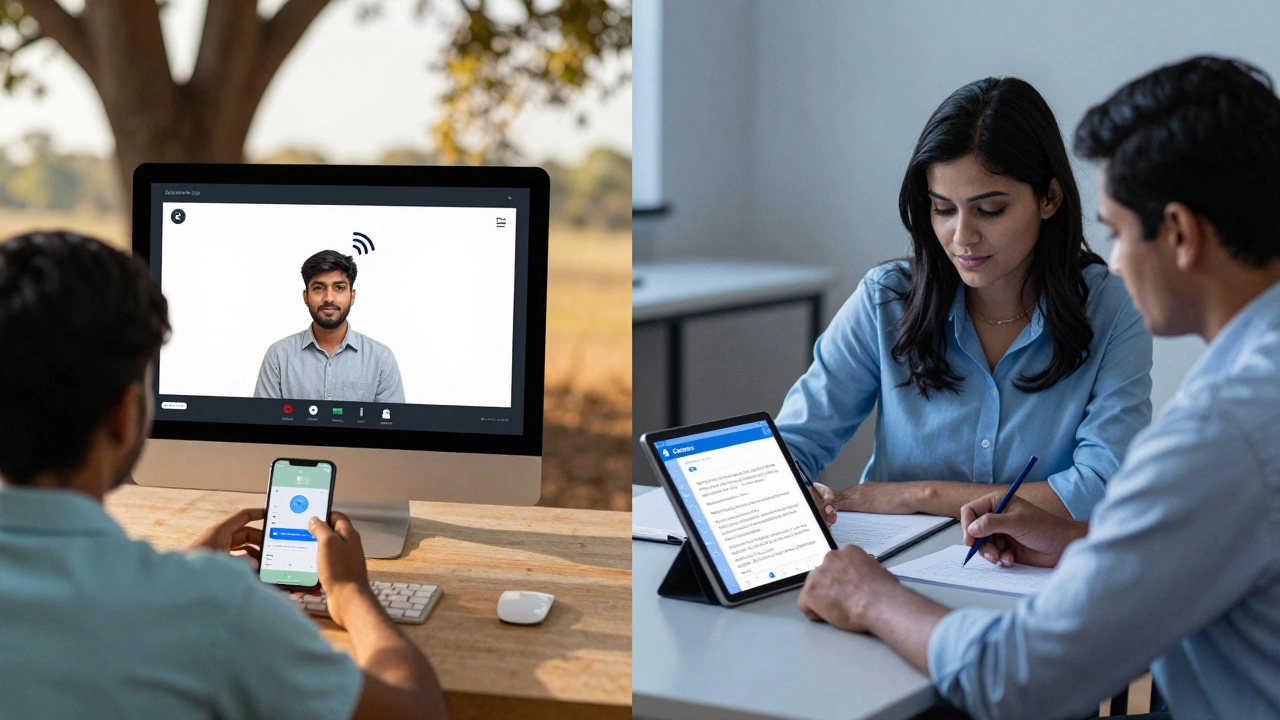
Students and educators worldwide use Google Classroom daily
When you think about online classes, which platform comes to mind first? For millions of students and teachers around the world, the answer isn’t one single app-it’s a mix. But if you’re asking which one is used the most, the data doesn’t lie: Google Classroom is the most widely used platform for online classes in 2026.
Why Google Classroom Leads the Pack
Google Classroom isn’t the flashiest tool. It doesn’t have fancy breakout rooms or AI-powered grading. But it’s everywhere. Why? Because it’s simple, free, and works with tools schools already use. Over 150 million students and educators in more than 180 countries rely on it daily. That’s not a small number-it’s a global standard.
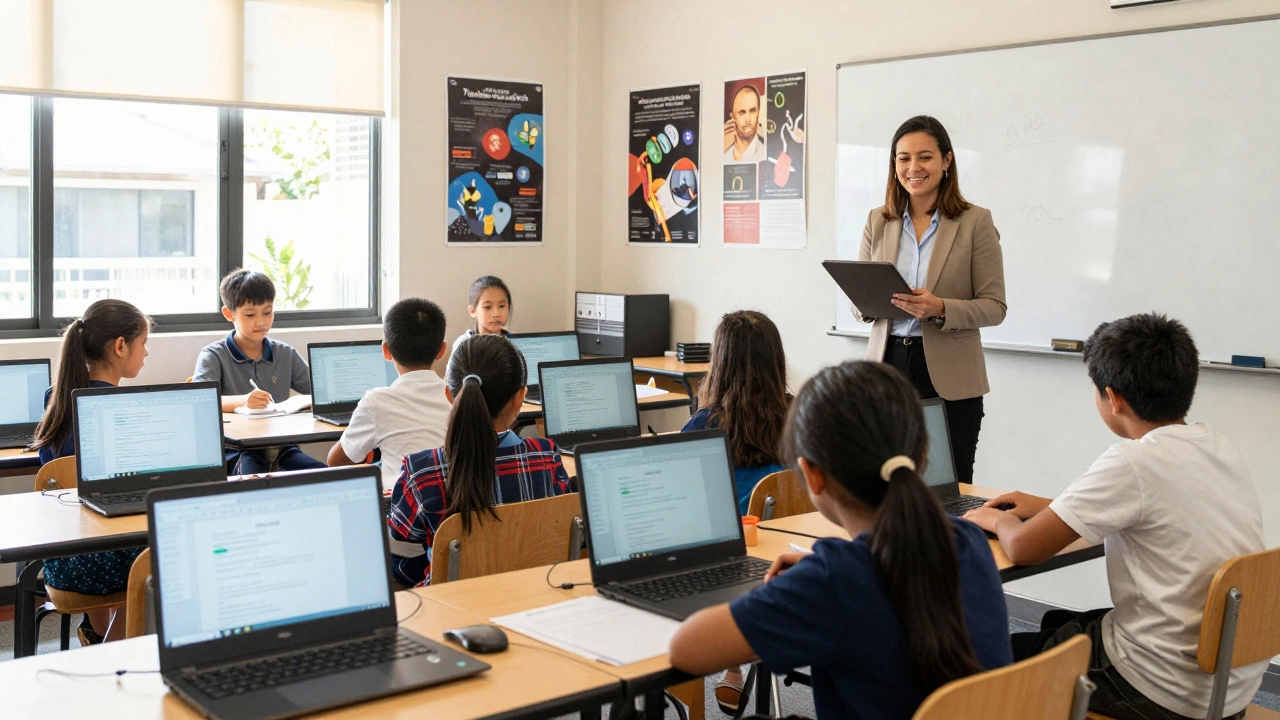
Most schools, especially in public education systems, already use Google Workspace for Education. That means logins are handled through school emails. No new passwords. No extra apps. Just open your browser, click Classroom, and you’re in. Teachers upload assignments. Students submit work. Grades pop up automatically. It’s built into the workflow, not tacked on.
And it’s not just for schools. Universities, tutoring centers, and even homeschooling families use it. In Australia, over 78% of public schools use Google Classroom as their primary learning platform, according to the 2025 National Digital Education Survey. That’s higher than any other tool.
How It Compares to Other Big Players
Let’s be clear-other platforms are strong. But none match Google Classroom’s reach.
- Zoom is great for live lectures. It’s used in 62% of institutions for video calls. But it’s not a learning platform-it’s a video tool. You still need something else to hand out assignments, track progress, or store files.
- Microsoft Teams Education is growing fast, especially in schools that use Office 365. It’s solid, integrates well with OneNote and Word, and has strong security. But adoption is still under 40% globally, mostly limited to regions where Microsoft dominates licensing.
- Canvas LMS is the go-to for universities and large districts. It’s powerful, customizable, and handles complex grading systems. But it’s expensive. Many schools can’t afford it unless they’re well-funded. That’s why it’s popular in higher ed, but not in elementary or middle schools.
- Blackboard used to rule the college world. Now it’s fading. Its interface is outdated, mobile support is poor, and many schools are switching to Canvas or Google Classroom.
Google Classroom wins because it doesn’t try to do everything. It does the basics really well: distribute, collect, grade, and communicate. And it’s always free for schools.
Real-World Use Cases
Think about a typical day in a high school in Sydney. At 8 a.m., the teacher posts a reading assignment in Google Classroom. Students open it on their Chromebooks, read the article, and answer three questions in a Google Form linked directly to the assignment. By noon, the teacher sees who hasn’t submitted. A quick message goes out: “Hey, Alex-still waiting on your work.”
Later, the class has a live session on Google Meet (built into Classroom). No separate login. No waiting for invites. Just click the link and you’re there. After class, the teacher uploads a recording and a worksheet. All of it stays in one place.
Compare that to using Zoom + Dropbox + email + a paper checklist. That’s messy. Google Classroom cuts through the noise.
Why Schools Keep Choosing It
It’s not just about features. It’s about adoption speed.
When the pandemic hit in 2020, schools scrambled to go online. Google Classroom was ready. It didn’t need training. Teachers didn’t need IT help. Students didn’t need to download anything. It just worked.
Now, years later, the habit stuck. Teachers don’t want to switch. Students don’t want to learn a new system. Parents know where to check grades. Districts have already paid for the infrastructure. There’s no financial incentive to change.
Plus, Google keeps improving it. In 2025, they added AI-powered assignment suggestions, automatic plagiarism checks, and integration with Khan Academy and Duolingo. It’s still simple-but smarter.
What About Other Platforms?
Some schools use Moodle, Schoology, or even custom-built LMS tools. But they’re niche. Moodle is powerful but hard to set up. Schoology is great for advanced analytics, but it’s not free. Custom platforms? They’re expensive and often break when students update their devices.
For most users-teachers, students, parents-the goal isn’t to have the most features. It’s to have the least friction. Google Classroom delivers that.
The Future of Online Learning Platforms
Will Google Classroom always be #1? Maybe not forever. AI tutors, VR classrooms, and personalized learning engines are coming. But change is slow in education.
Platforms that win are the ones that integrate, not replace. Google Classroom isn’t trying to be the future. It’s making sure schools can get there without falling apart.
For now, if you’re looking for the most used platform for online classes, the answer is clear: Google Classroom. It’s not perfect. But it’s the one that works for everyone.
Is Google Classroom free for schools?
Yes, Google Classroom is completely free for schools that use Google Workspace for Education. This includes all core features like assignment distribution, grading, communication, and integration with Google Docs, Forms, and Meet. There are no hidden fees or premium tiers for basic classroom use.
Can parents use Google Classroom to track their child’s progress?
Yes, teachers can invite parents to receive weekly summaries of their child’s assignments, due dates, and grades. Parents don’t need an account-they get email updates. This feature is widely used in primary and middle schools, especially in countries like Australia, Canada, and the UK.
Do colleges use Google Classroom too?
Some do, especially for introductory courses or large lecture sections. But most universities prefer Canvas or Moodle because they handle complex grading, credit tracking, and syllabus management better. Google Classroom is more common in high schools and community colleges.
Is Google Classroom secure for students?
Yes. Google Workspace for Education complies with student privacy laws like FERPA (U.S.) and GDPR-K (Europe). Student data is not used for advertising. Schools control access, and Google does not scan student content for marketing purposes. Most education systems require this level of compliance before adopting any platform.
Can you use Google Classroom without internet?
Not fully, but there’s limited offline support. Google Docs, Sheets, and Slides can be downloaded for offline editing. Assignments can be viewed offline, and students can work on them without internet. Once they reconnect, changes sync automatically. But live classes, submissions, and real-time feedback require a connection.
What’s the biggest downside of Google Classroom?
Its biggest weakness is lack of customization. It doesn’t support complex grading scales, rubrics, or advanced analytics that universities need. Teachers can’t create custom dashboards or integrate third-party tools easily. If you need deep data tracking or advanced reporting, you’ll need a dedicated LMS like Canvas or Blackboard.






0 Comments