
SCORM Version Selector
Answer a few questions about your course and target platform to get a recommendation on which SCORM version to use.
You’ve just built a slick interactive course in Articulate Storyline or Adobe Captivate. You upload it to your company’s Learning Management System (LMS), hit “launch,” and… nothing happens. Or worse, the course runs fine, but the completion status never updates, so your manager thinks you skipped it. Sound familiar? This is where SCORM comes in. It’s not software; it’s a set of rules that lets your course talk to the LMS. If you’re wondering what does SCORM mean and why everyone in corporate training keeps talking about it, you’re in the right place.
The Core Problem SCORM Solves
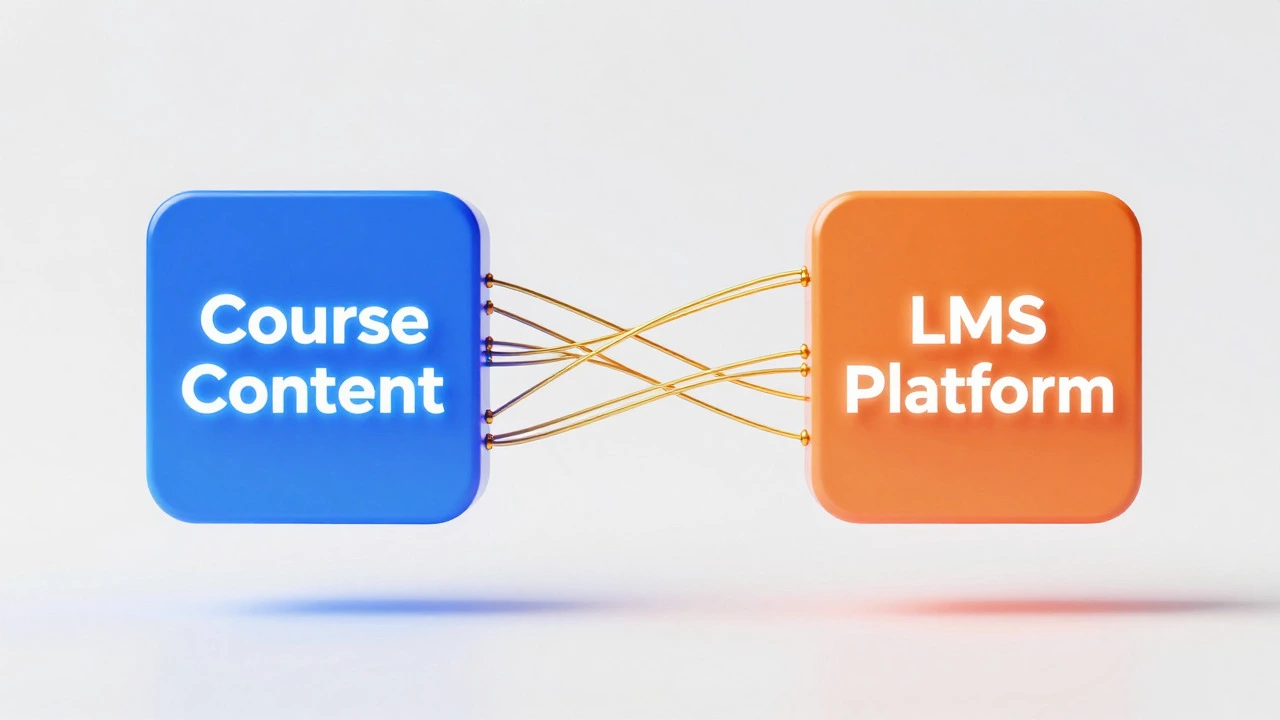
Before we get technical, let’s look at the mess SCORM cleaned up. In the late 1990s, if you bought an e-learning course from Vendor A, it likely wouldn’t work on Company B’s LMS. It was like buying a VHS tape and trying to play it on a Betamax player. Content creators had to build custom code for every single client’s system. It was expensive, slow, and a nightmare to maintain. SCORM, which stands for Sharable Content Object Reference Model, is a collection of standards created by the Advanced Distributed Learning (ADL) initiative. Think of it as a universal translator between two pieces of software: the content package (your course files) and the LMS (the platform hosting the course). Its main job is to ensure that no matter who builds the course or who hosts it, they can communicate seamlessly.Breaking Down the Acronym: What Do Those Words Actually Mean?
Let’s dissect the name because each word tells you something important about how it works.- Sharable: The content isn’t locked into one specific system. You can reuse the same course file across different platforms without rebuilding it.
- Content Object: This refers to the smallest unit of learning material-like a single quiz question, a video clip, or a text page-that can be reused and combined with other objects.
- Reference Model: It’s not a piece of software you install. It’s a specification-a blueprint-that developers follow when building their tools.
So, when someone says "this course is SCORM compliant," they mean it follows this blueprint strictly enough that any other tool following the same blueprint will understand it.
How SCORM Works Under the Hood
You don’t need to be a coder to grasp the basic mechanics, but knowing them helps when troubleshooting. SCORM relies on three main components working together:- The Runtime Environment: This is the actual communication happening while the learner is taking the course. The LMS launches the course in a web browser window. Inside that window, there’s a JavaScript API. Your course uses this API to send data back to the LMS.
- The Data Model: This defines exactly what information can be exchanged. Can the course tell the LMS the user scored 85%? Yes. Can it tell the LMS the user spent 12 minutes on module 3? Also yes. These are predefined variables like
cmi.core.lesson_status. - The Sequencing Model: This controls the order of activities. For example, it ensures the learner must pass Quiz 1 before unlocking Module 2. Note: Basic SCORM 1.2 has very limited sequencing; SCORM 2004 added more complex navigation rules.
Here’s a simple analogy: Imagine you’re ordering food at a drive-thru. The menu (Data Model) lists what you can order. The speaker box (Runtime API) is how you speak to the cashier. The rule that you must pay before receiving food (Sequencing) is handled by the system. SCORM standardizes the menu, the speaker box, and the payment rules so any car (course) can use any drive-thru (LMS).
SCORM Versions: 1.2 vs. 2004
If you’re choosing a standard today, you’ll see two main versions. Which one should you pick?| Feature | SCORM 1.2 | SCORM 2004 (4th Edition) |
|---|---|---|
| Popularity | Extremely high; legacy standard | Lower adoption due to complexity |
| Sequencing/Navigations | Basic (linear only) | Advanced (branching, conditional paths) |
| Error Handling | Poor; often crashes silently | Better error reporting mechanisms |
| LMS Support | Nearly universal support | Supported by most modern LMSs, but varies |
| Best For | Simple compliance training, linear courses | Complex simulations, adaptive learning paths |
Most organizations still default to SCORM 1.2 because it’s simpler and works everywhere. Unless you specifically need advanced branching logic, stick with 1.2. It’s boring, but it works.
Why You Might Not Need SCORM Anymore
Here’s the twist: SCORM is getting old. Released in its current form over 20 years ago, it has limitations. It doesn’t handle mobile learning well. It struggles with social learning or tracking detailed behaviors outside the course window. Enter xAPI (Experience API), also known as Tin Can API. Unlike SCORM, which tracks "did they finish the course?", xAPI tracks "what did they do?" It can record actions like "John watched a YouTube video," "Sarah attended a webinar," or "Mike practiced a language app." Many modern LMSs now support both SCORM and xAPI. If you’re starting fresh, ask your LMS provider if they recommend moving toward xAPI for future-proofing. However, for most corporate compliance training, SCORM remains the safe, reliable bet.
Common Pitfalls When Dealing With SCORM
Even with standards, things break. Here are the top three reasons your SCORM package might fail:- Zip File Structure: SCORM requires a specific file structure inside the zip archive. There must be a
imsmanifest.xmlfile at the root level. If you unzip and re-zip manually, you might accidentally put the manifest in a subfolder. Always export directly from your authoring tool. - Browser Security Settings: Modern browsers block pop-ups and third-party cookies aggressively. Since SCORM relies on JavaScript calls between windows, strict privacy settings can break the connection. Test your course in Incognito mode or with cookie blockers disabled.
- Mismatched Versions: Uploading a SCORM 2004 package to an LMS that only supports SCORM 1.2 will result in errors. Check your LMS documentation first.
Quick Checklist: Is Your Course Truly SCORM Compliant?
Before you hit publish, run through this list:- Did you select "SCORM" as the output format in your authoring tool (e.g., Articulate Rise, iSpring)?
- Does the exported zip contain an
imsmanifest.xmlfile at the top level? - Have you tested the package in a free SCORM Cloud test environment? (This is a gold-standard debugging tool.)
- Are you setting the correct launch point? (Usually
index.htmlorscormdriver/index.html) - Is your LMS configured to accept SCORM packages? Some require admin approval for new uploads.
Frequently Asked Questions
Do I need to know coding to create SCORM content?
No. Most modern authoring tools like Articulate Storyline, Adobe Captivate, and iSpring Suite automatically generate the necessary SCORM code when you choose "Publish to LMS." You focus on design and content; the software handles the technical standards behind the scenes.
Can SCORM track time spent on a course?
Yes, but it’s tricky. SCORM 1.2 has a session time variable, but it only records the duration of the last session, not cumulative time. To track total time accurately, you usually need SCORM 2004 or xAPI, or you have to rely on the LMS’s own logging features rather than the course data itself.
What is the difference between SCORM and AICC?
AICC (Aviation Industry CBT Committee) is an older standard than SCORM. While SCORM is web-based and uses JavaScript, AICC originally relied on CGI scripts. Today, AICC is largely considered obsolete. Most LMSs support both for backward compatibility, but new projects should almost always use SCORM or xAPI.
Why is my SCORM course showing 'Incomplete' even after finishing?
This is often due to missing "completion" triggers in your course design. In many authoring tools, you must explicitly set a slide or button to mark the lesson as "Complete." If the learner closes the browser tab without clicking that final trigger, the LMS never receives the "complete" signal, leaving the status as incomplete.
Is SCORM free to use?
Yes, the SCORM specifications are open standards developed by ADL and are freely available. You don’t pay licensing fees to create or host SCORM content. However, the authoring tools that produce SCORM packages (like Articulate) are commercial products with subscription costs.






0 Comments